Hyprland
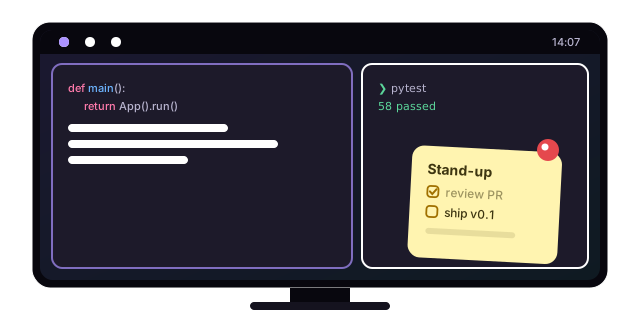
Realer Xpad runs on any Wayland compositor, but it has extra integration for Hyprland: it talks to Hyprland's IPC socket to float, place, resize and pin your notes.
Why the window rules?
Wayland doesn't let an app decide where its windows go, because that's the compositor's job. Without rules, Hyprland treats notes like any other window and tiles them. One rule fixes that.
Setup
Add these lines to ~/.config/hypr/hyprland.conf, or source the ready-made
extras/hyprland.conf:
Then start it with Hyprland and bind it to some keys:
exec-once = realer-xpad

bind = SUPER, N, exec, realer-xpad new            # new note
bind = SUPER SHIFT, N, exec, realer-xpad toggle   # hide / show all notes
bind = SUPER ALT, N, exec, realer-xpad manager    # notes manager
Installed as a Flatpak?
Use flatpak run ch.giosuel.RealerXpad wherever these lines say
realer-xpad, e.g. bind = SUPER, N, exec, flatpak run ch.giosuel.RealerXpad new.
The Flatpak may read Hyprland's socket, so pinning and placement work the same.
Reload with hyprctl reload, and you're set.
What the integration does
- Remembers where notes are
- While notes are open, Realer Xpad reads each note's position and size from Hyprland every few seconds and saves them. Next time, every note opens exactly where you left it.
- Pins notes to every workspace
- Hover a note and click . Hyprland pins it: it floats above your windows and stays visible on every workspace. Pinning is remembered too.
- Hides gracefully
- Closing a note with
killactive(e.g. Super+Q) hides it instead of deleting it. It's still in the notes manager.
How it finds its windows
Each note window starts with a unique initial title
(realer-xpad-<note id>), which Hyprland reports as initialTitle. That
lets the app match a note to its window even after the title changes to
your note's heading. It needs nothing beyond the
HYPRLAND_INSTANCE_SIGNATURE socket Hyprland already provides, and not
even the hyprctl binary.
Turning it off
Set REALER_XPAD_NO_HYPR=1 to make Realer Xpad behave like it would on any
other compositor.